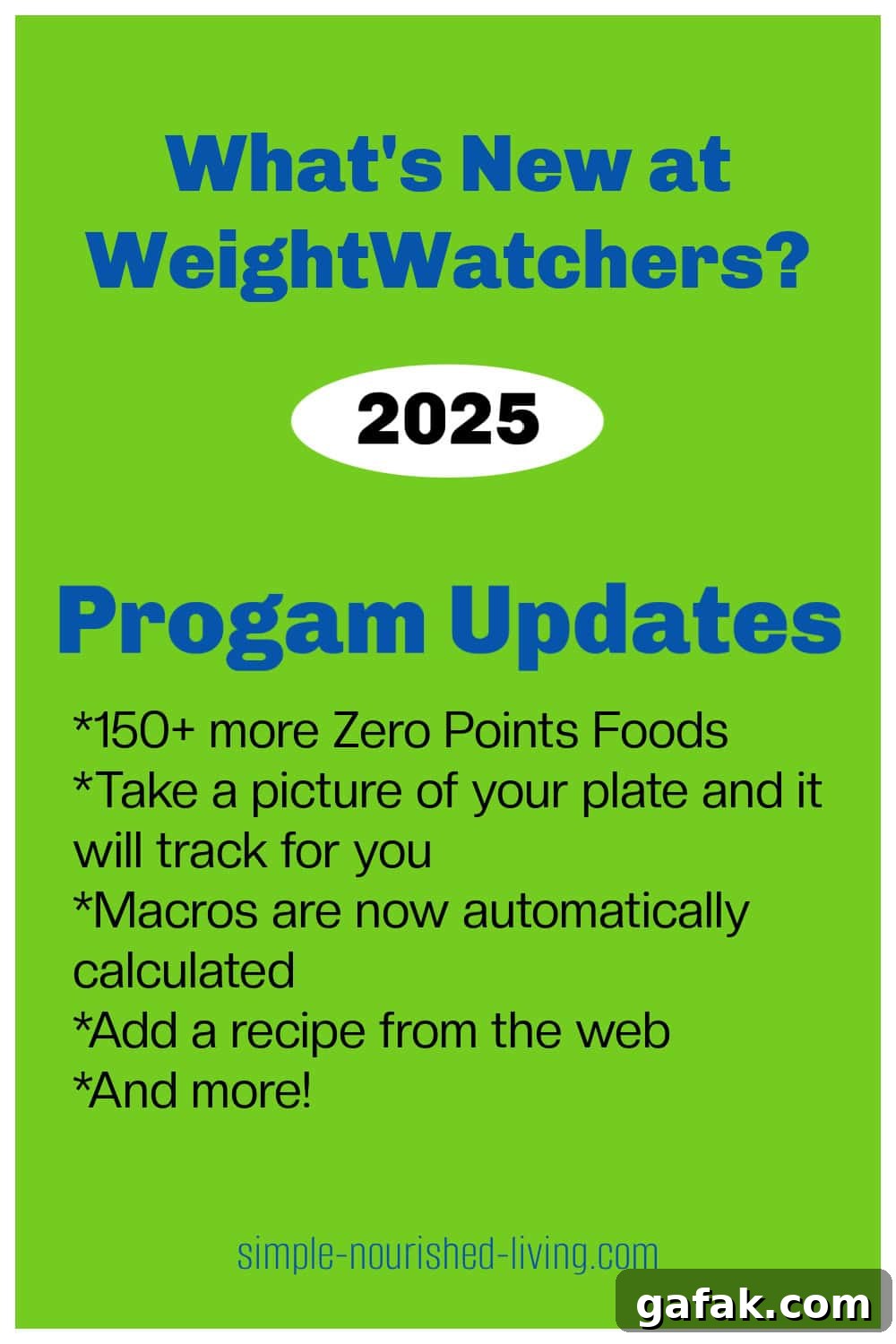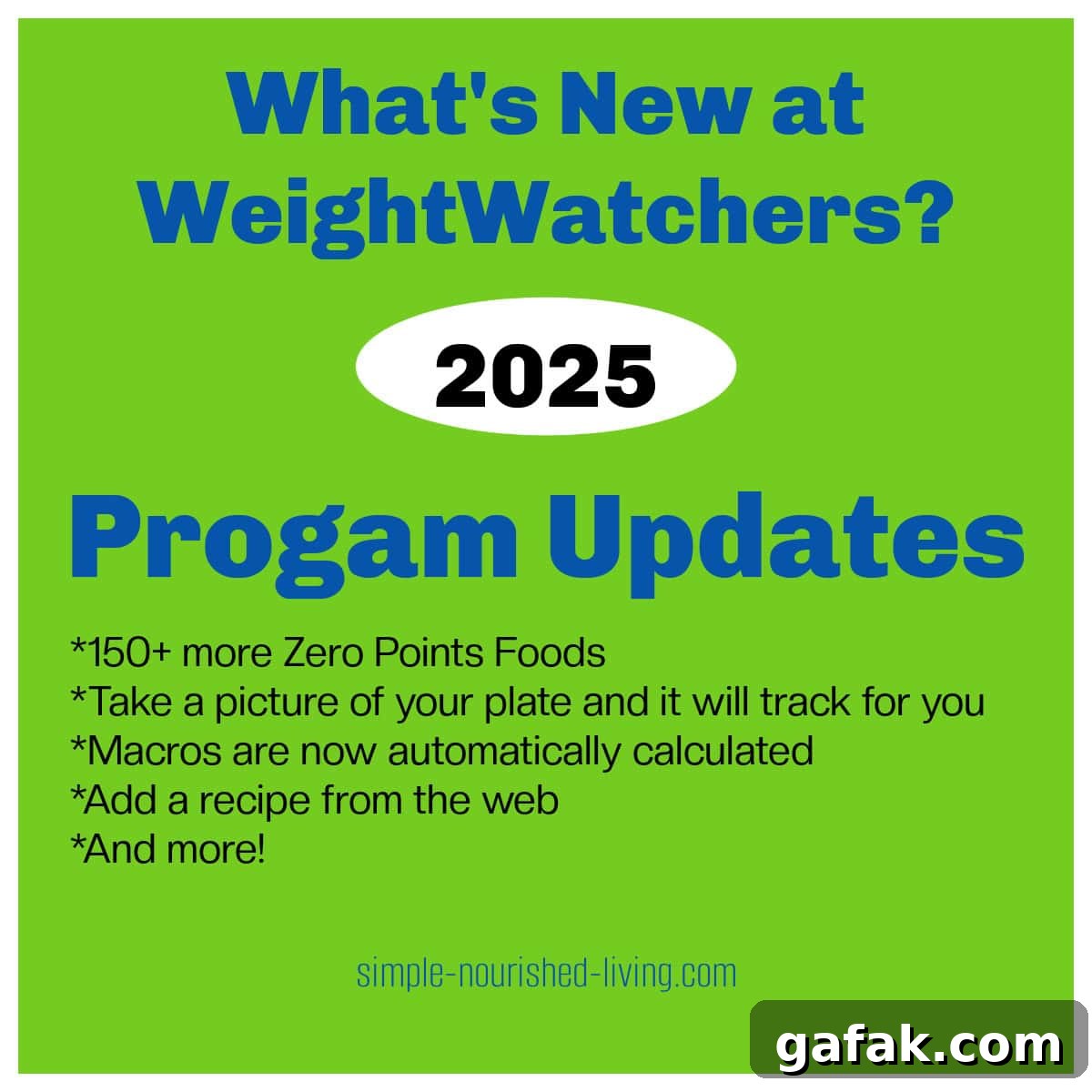
When I logged into WeightWatchers yesterday, I noticed several changes and wanted to learn more. After digging into the update, here’s a clear summary of what’s new.
Whether you’re already a member or exploring the program, the new WW updates introduce a number of useful features and changes to the ZeroPoint list, tracking tools, and support options. Below is a concise overview of the most important updates.
WeightWatchers Expanded Zero Points Foods List
The WW Points system assigns values to foods based on their nutrient profile—higher points for items higher in saturated fat, added sugars, sodium, and calories, and lower fiber and micronutrients. ZeroPoint foods are those nutrient-dense whole foods that provide substantial nutrition while being lower in calories and less likely to derail daily goals.
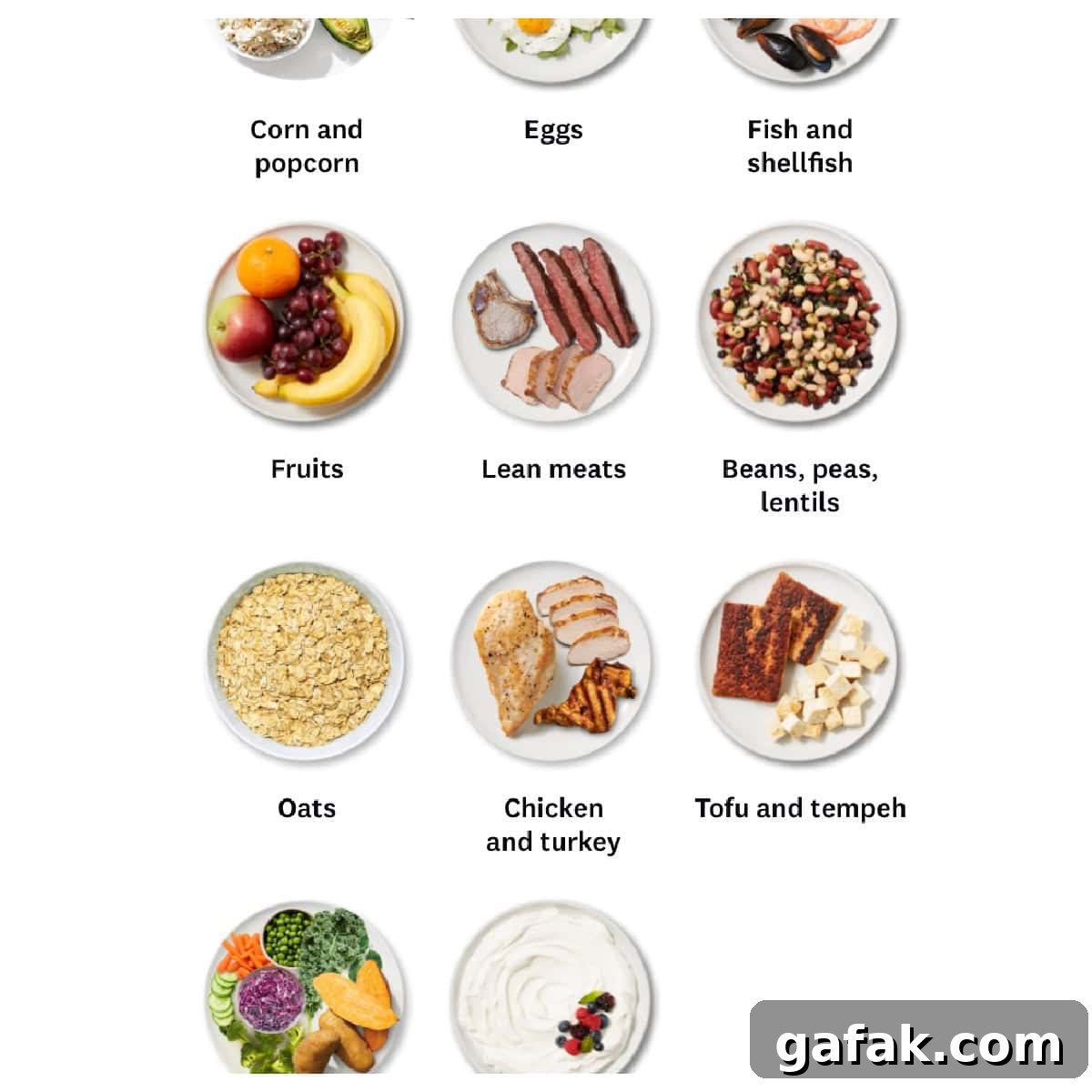
WW expanded its ZeroPoint list in 2022 and has added even more items in this latest update. More than 150 additional foods were added, bringing the total to over 350 ZeroPoint options. Highlights include expanded lean protein choices, potatoes, and oats (with exceptions for the diabetic plan).
New lean meats:
- Skinless dark meat chicken and turkey, and at least 90% lean ground turkey and ground chicken are now ZeroPoint options. Boneless, skinless chicken thighs are included.
- Lean ground beef (90% lean or higher) and other lean, trimmed beef cuts—such as flank steak, trimmed round steak, and filet mignon—are now ZeroPoint items when they meet the lean criteria.
- Lean cuts of pork and lamb, like pork tenderloin and trimmed leg of lamb, are now included as ZeroPoint foods when trimmed and lean.
Potatoes: Potatoes and sweet potatoes are now ZeroPoint foods, except for members on the diabetic plan.
Oats: Oats were added to the ZeroPoint list, with the same exception for the diabetic plan.
Nikki Gets Fit Shares WW 2025 Changes Video
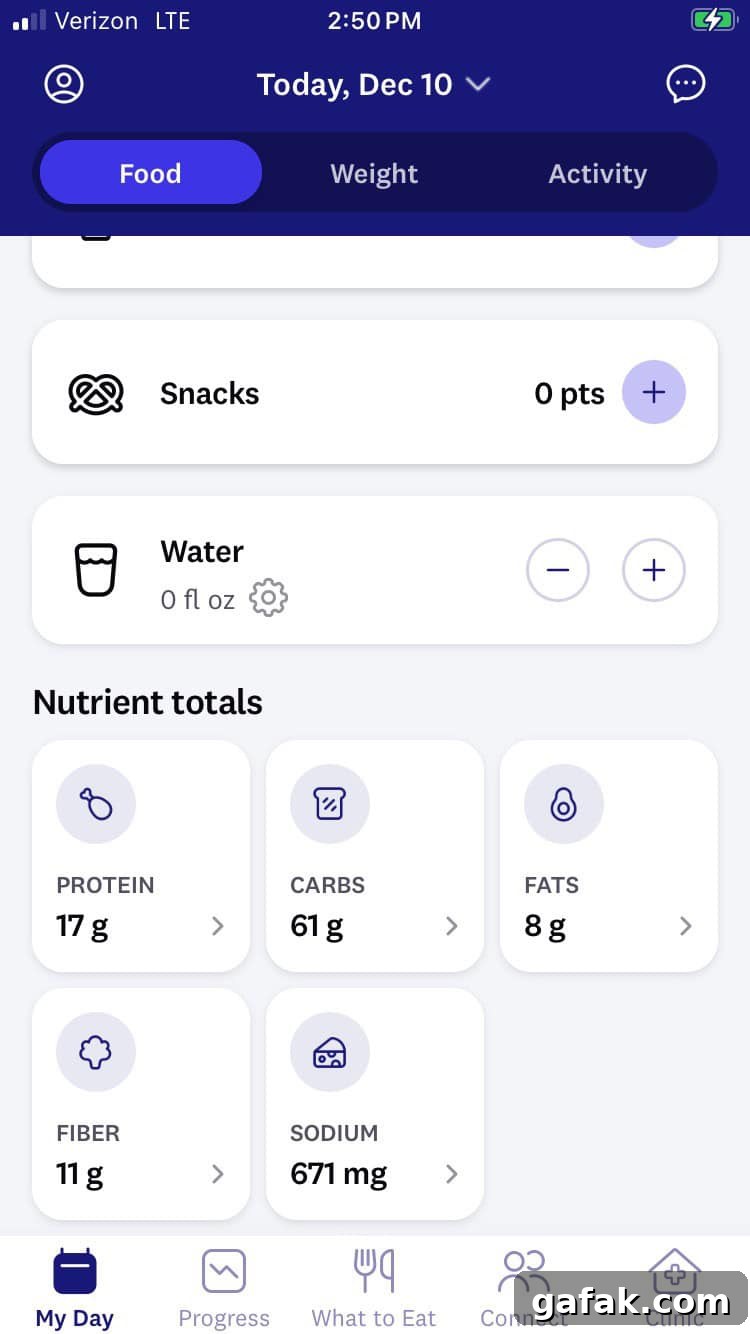
Automatic Macro Tracking
The app now shows “Nutrient Totals” at the bottom of the daily tracker, displaying your daily protein, carbs, fats, fiber, and sodium totals. Tap any nutrient to see a meal-by-meal and food-by-food breakdown and get guidance or tips related to that nutrient. This makes it easier to monitor specific goals like protein and fiber intake at a glance.
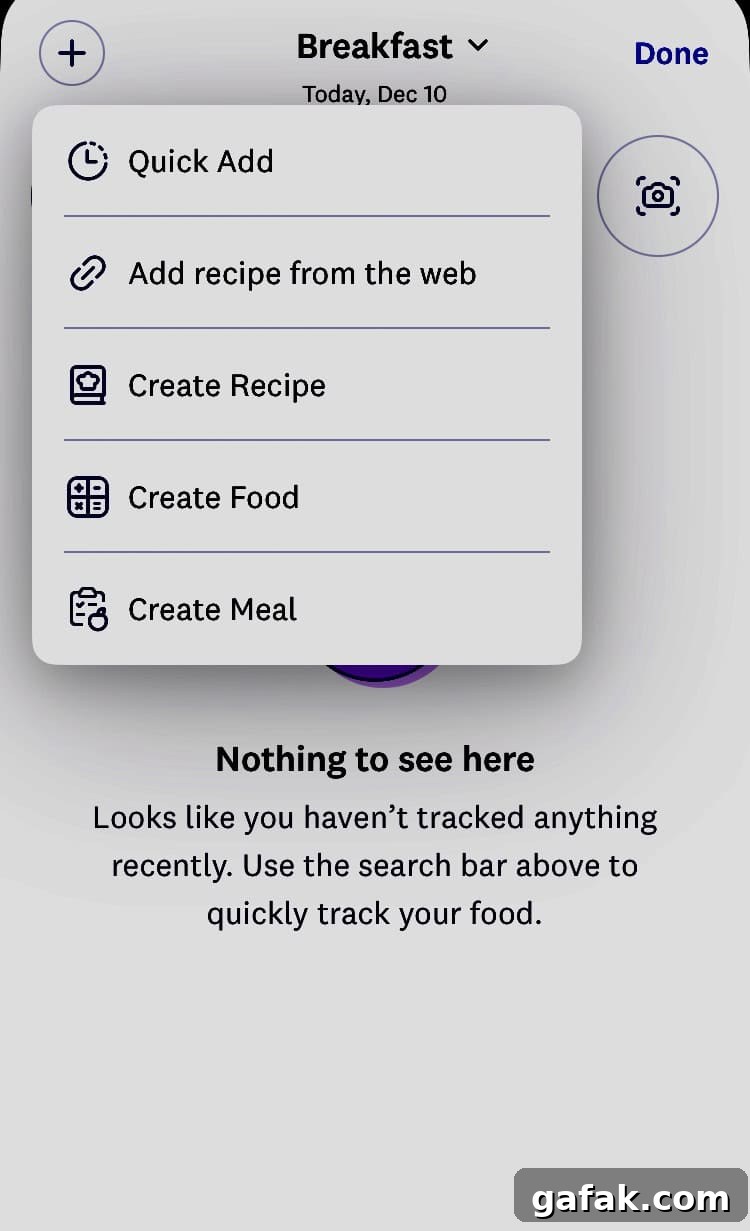
Add a Recipe from the Web
The WW app’s recipes section now includes an “Add Recipe from the Web” option. Paste a recipe link to import ingredients and get a starting Point calculation. Imported recipes may require manual adjustments to ingredients or quantities for accurate Points, but this feature simplifies adding external recipes into your tracker.
If you use recipes from this site, they already link directly into the WW app for easy tracking and saving without needing to use the import feature.
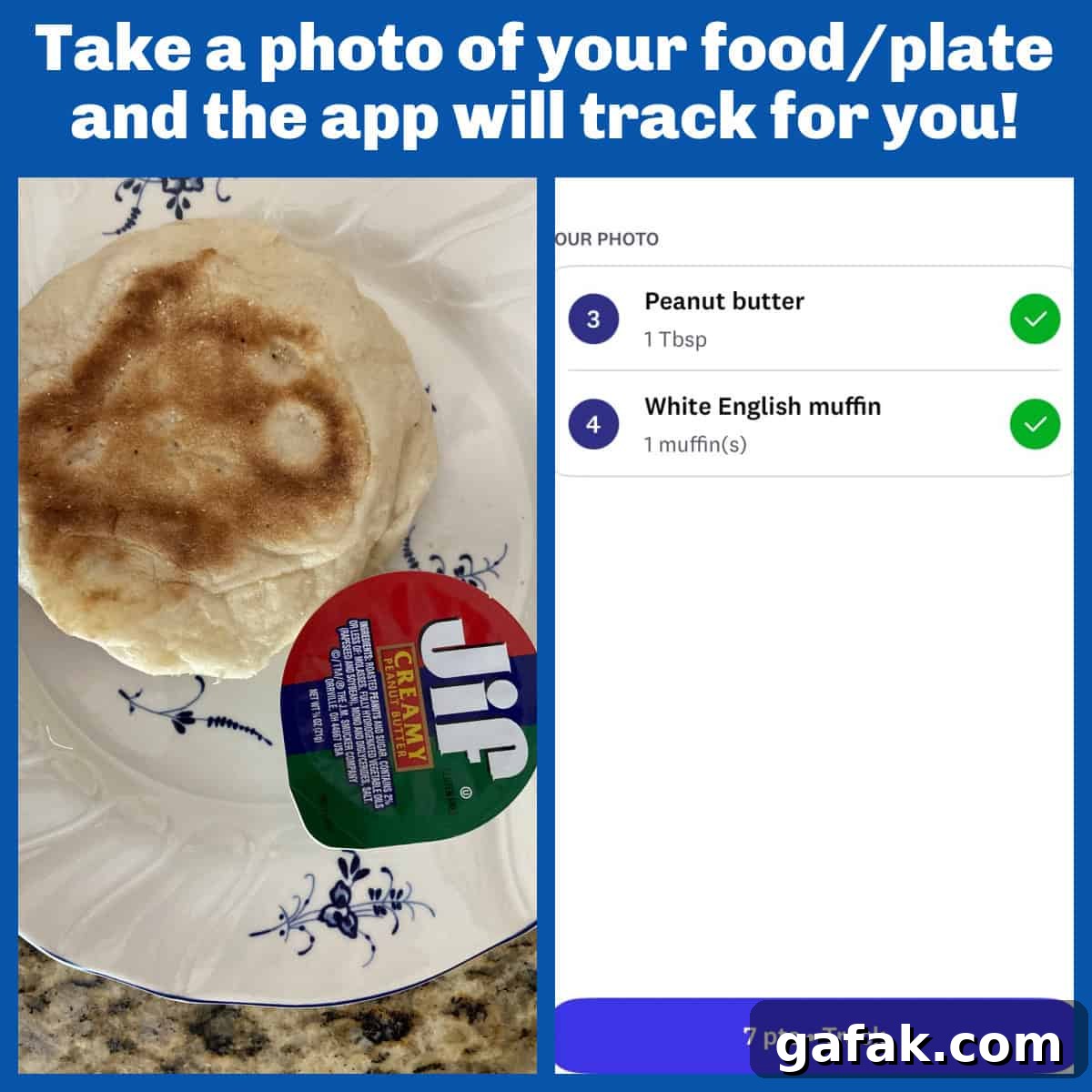
Track from a Photo of Your Food/Plate
A new experimental “Food Scanner” camera icon beside the barcode scanner lets you snap a photo of your plate and get an automatic points estimate. The app notes that the feature is experimental and may make mistakes, so it’s best used as a starting point. Verify results when accuracy matters, but it’s a convenient option for estimating points for dishes you didn’t prepare yourself.
Access to Registered Dietitians
Access to registered dietitians is now available to all WeightWatchers members, not just Clinic members. Many insurance plans cover WW RDs—over 600 plans are accepted—so some members may be able to access counseling at low or no out-of-pocket cost. For those without coverage, RD visits are available in bundled packages, with pricing that varies by bundle size.
Recipes on Simple Nourished Living
US-based WW members can still use the WW link on recipe pages to view Points for their current plan directly in the app. The app will show Points for the active plan and lets you save and adjust recipes as needed for accurate tracking.
Summarize and Save This Content
If you want to explore these updates further using AI tools, you can use available summarization and analysis options to review the key insights from this update.
Conclusion
The recent WW updates bring meaningful enhancements: a much-expanded ZeroPoint foods list that adds many lean protein options, potatoes, and oats (with diabetic plan exceptions); new tracking features including nutrient totals and a photo-based food scanner; and broader access to registered dietitians. These changes make the program more flexible and helpful for daily tracking and personalized guidance.
If you have questions or want to share your experience with the updates, feel free to reach out—I’d love to hear how the new features work for you.
More Articles & Tips for WeightWatchers
- A Comprehensive Guide to Understanding the WeightWatchers Program
- A Comprehensive List of Articles & Tips for WeightWatchers
- What Foods Should I Eat in a Day on WeightWatchers
- WeightWatchers Zero Points Foods List
- WeightWatchers Friendly Meal Plans
- Why We Are More Motivated the Closer We Get to Our Goals – a WW Weekly Workshop topic